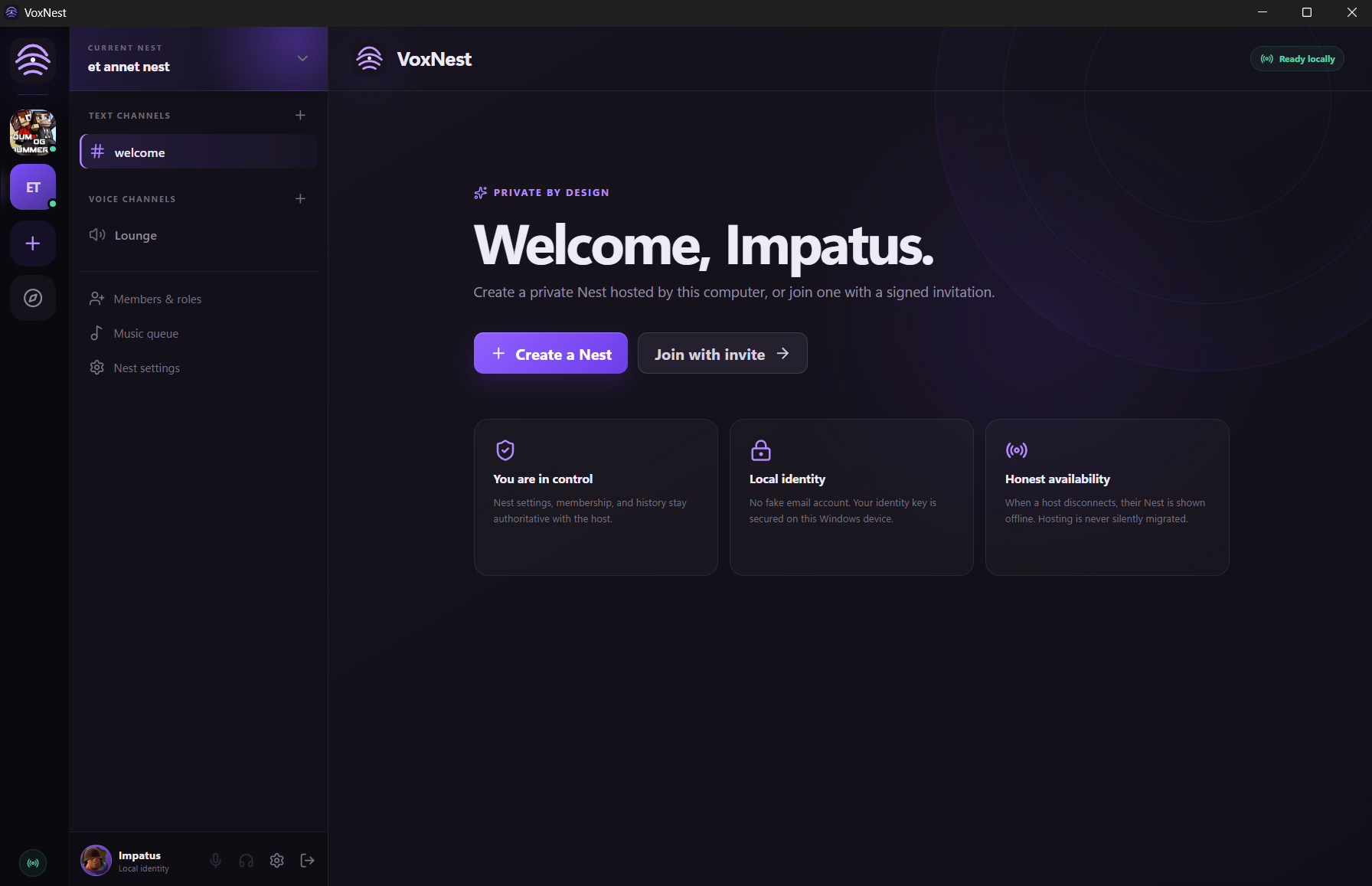
You are in control
The creator owns the Nest and decides who belongs in it.
Desktop app / Windows
 VoxNest
VoxNest is a private communication app for chat, voice and shared music. Every Nest belongs to the person who creates and hosts it.
01 / THE PRINCIPLE
The host stays authoritative for settings, membership and history. Identity lives on the Windows device, and a Nest is shown as offline when its host disconnects — it is never silently moved somewhere else.
The creator owns the Nest and decides who belongs in it.
No throwaway cloud account. The identity key is kept on the device.
If the host is offline, the Nest is offline. The product says so plainly.
02 / WHAT LIVES INSIDE
Focused rooms for the conversations a Nest needs.
Drop into a room and talk without moving to another app.
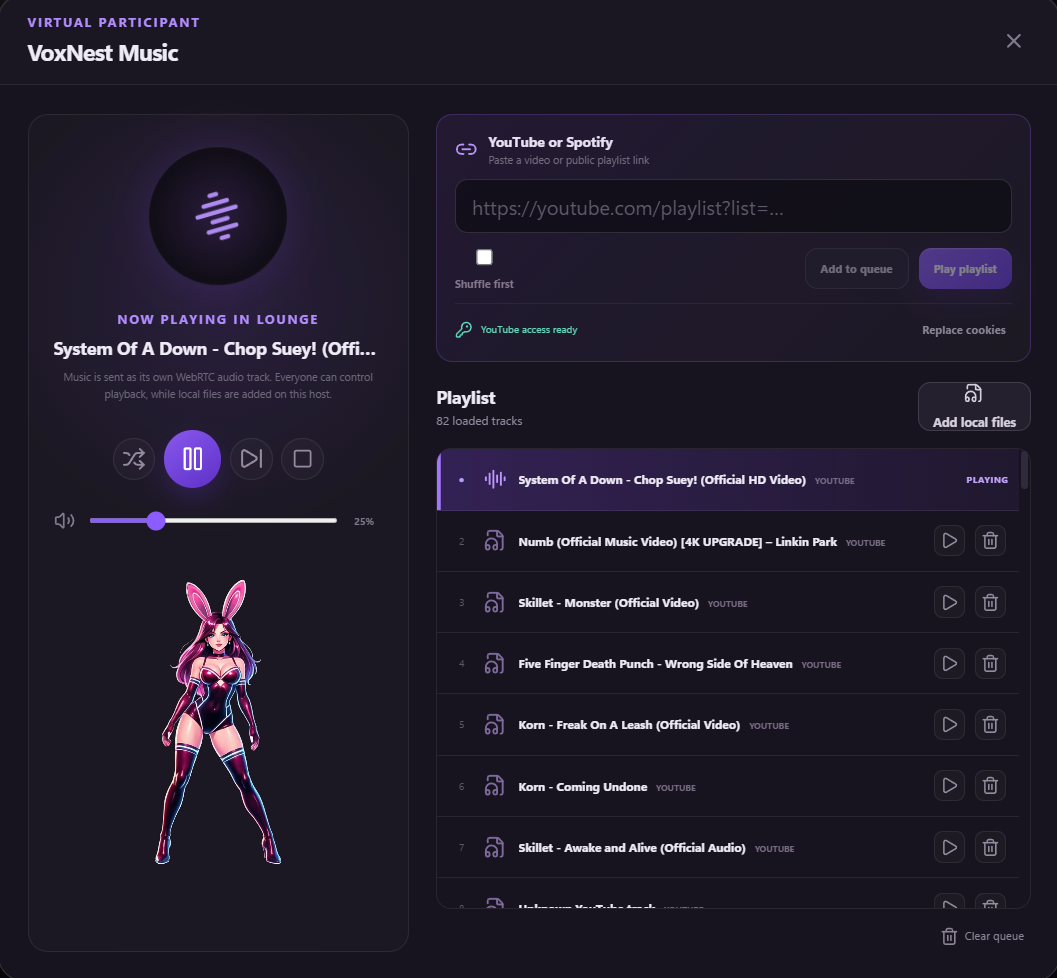
A virtual participant that brings playlists and local files into the room.
Join a Nest through an invitation from someone you trust.
03 / VIRTUAL PARTICIPANT
Add YouTube or Spotify links, load local files on the host and let everyone hear the same WebRTC audio track. Playback remains under the room’s control.
04 / BUILD STATUS
VoxNest is actively developed as a signed Windows desktop app. The public build and its release notes come directly from the same signed channel used by the updater.